This post may contain affiliate links. If you make a purchase through these links, we may earn a commission at no additional cost to you.
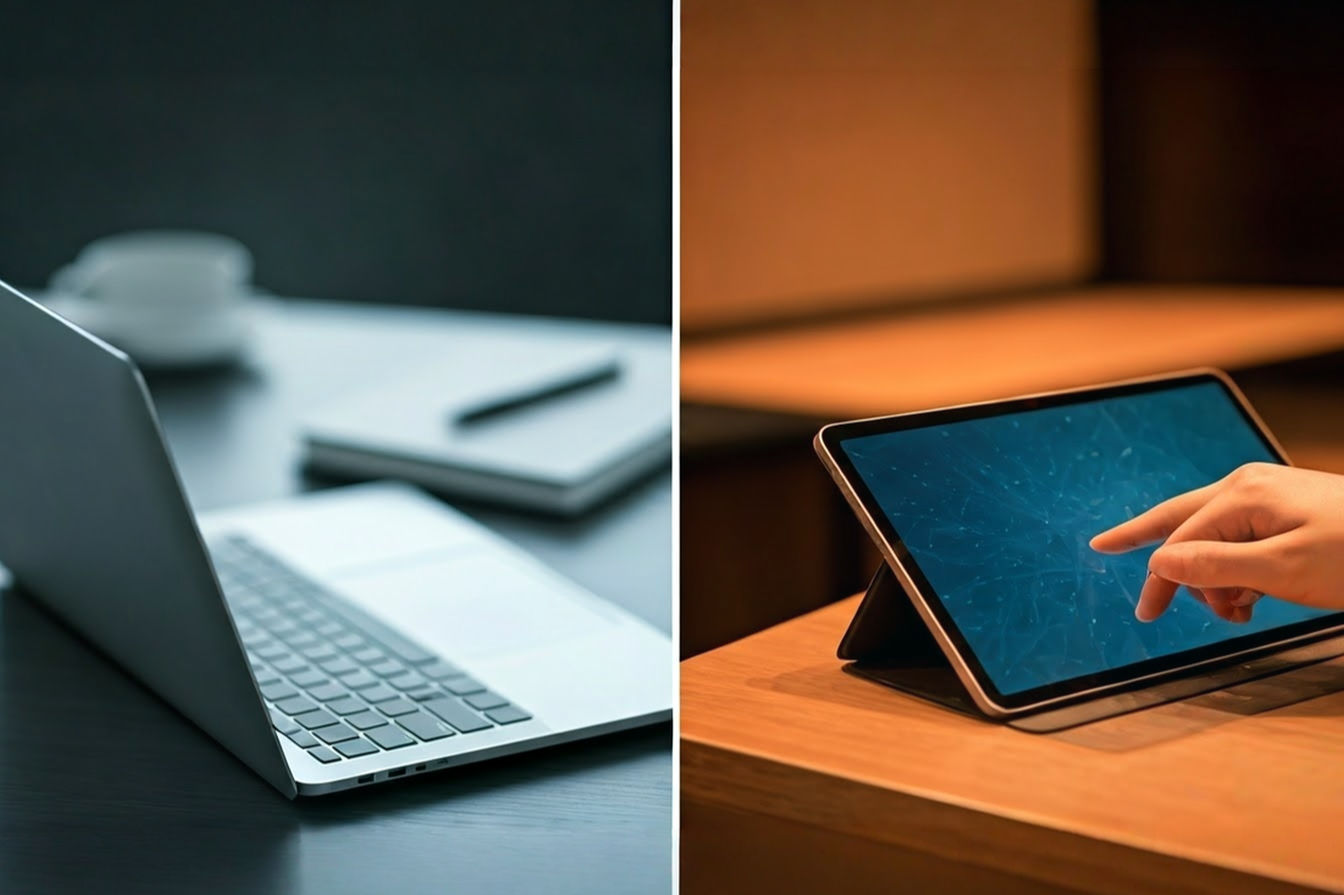
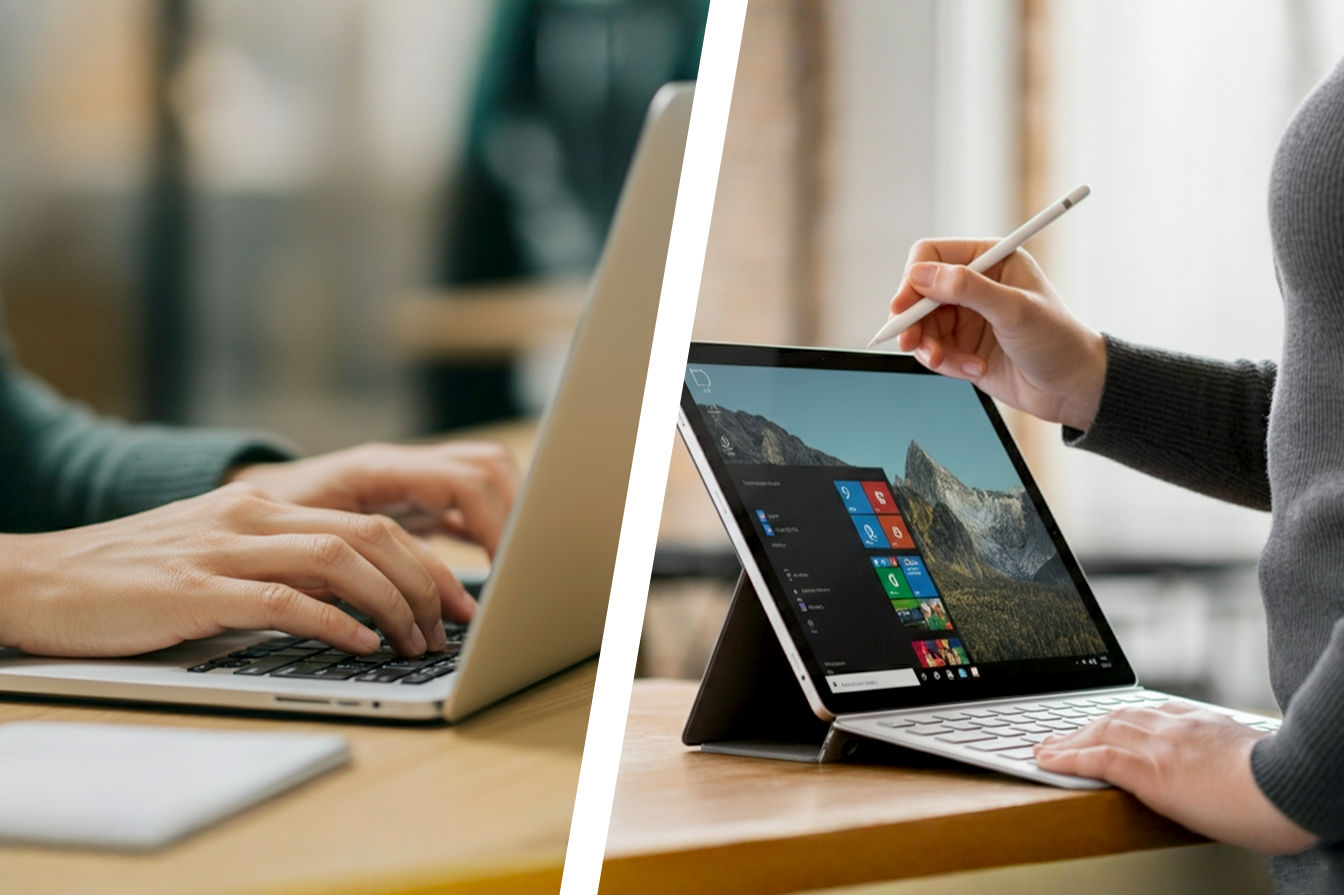
We’ve been lied to for a decade. Every year, a CEO in a turtleneck or a blazer walks on stage and tells us the laptop is dead. They hold up a slab of glass and promise us the future of work is touch-based, lightweight, and effortless. Then you buy one, try to update a spreadsheet while on a Zoom call, and realize you’ve made a terrible mistake. The workflow collapses. The file management is a nightmare. You crawl back to your heavy, clam-shell laptop.
The problem isn’t the form factor, it’s that most tablets are designed for consumption, not creation. They’re media players masquerading as productivity tools. But a shift has happened in the last 12 months. Silicon has gotten denser, battery chemistry has improved, and operating systems are finally figuring out how to handle more than one window at a time.
We didn’t look for the shiniest screens or the coolest marketing campaigns. We analyzed the thermal envelopes, the processor architectures, and the input latency to find the machines that can actually handle a 9-to-5 workload. These are the only 5 tablets worth your desk space.
TL;DR: The Quick Verdicts
| Rank & Product | Best For… | The “One-Line” Verdict |
|---|---|---|
| 1. Apple iPad Pro 13-Inch (M4) | The Creative Powerhouse | The closest hardware perfection has ever come to replacing a PC. |
| 2. Samsung Galaxy Tab S11 Ultra | The Multitasker | A 14.6-inch canvas that manages windows better than Windows. |
| 3. Microsoft Surface Pro (2025) | The Road Warrior | The only true laptop OS on this list, for better and for worse. |
| 4. OnePlus Pad 3 | The Value King | Flagship specs and all-day stamina for half the price of the competition. |
| 5. Apple iPad Air (2025) M3 | The Student/Junior Pro | 90% of the Pro’s power without the painful price tag. |
The Lab Standard: How We Grade Quality
- Compute Density: This isn’t just about benchmark scores. It is the ratio of sustained processing power to the physical weight of the device. Can it render 4K video or run complex macros without thermal throttling, all while weighing less than 1.5 lbs?
- Input Friction: A work device lives and dies by its peripherals. We measure the latency of the stylus, the travel distance of the keyboard accessories, and the UI “drag” when moving files between apps. High friction kills flow.
- Autonomy Factor: This combines battery capacity (mAh) with processor efficiency. We look for devices that can survive a 10-hour workday at 50% brightness without panic-searching for an outlet.
#1. Apple iPad Pro 13-Inch (M4)
An engineering marvel that finally offers the horsepower to justify its exorbitant price tag.
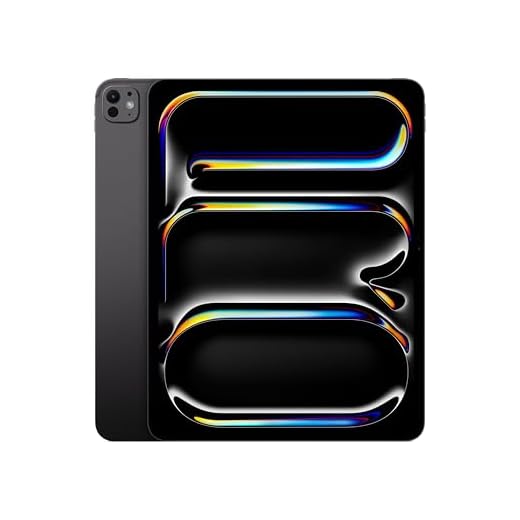
Apple iPad Pro 13-inch (M5) 256GB: Ultra Retina XDR display, Landscape 12MP Front Camera/12MP Back Camera, LiDAR Scanner, Wi-Fi 7 with Apple N1, All-Day…
- Benefit: Zero-latency creative flow that anticipates your input before you make it.
- Benefit: Renders 4K video and complex 3D assets faster than most desktops.
- Spec Highlight: M4 Chip (10-core GPU) for unmatched compute density.
- Spec Highlight: Tandem OLED display (1600 nits) for perfect color accuracy.
- Who It’s For: The Uncompromising Creative.
The Engineering & Design
The “Secret Sauce” here is the Tandem OLED display technology. Apple didn’t just use one OLED panel; they stacked two to achieve a peak brightness of 1,600 nits without the burn-in risks usually associated with organic LEDs. This is housed in a chassis that is impossibly thin—5.1 mm—made possible by the new M4 chip‘s thermal efficiency. The build quality is rigid and industrial, eliminating the “flex” felt in previous ultra-thin tablets.
The Performance Experience
Using the M4 is startling. The 10-core CPU and 10-core GPU obliterate tasks that choke standard laptops. In our analysis, the Compute Density is off the charts. Opening apps is instantaneous. Rendering 4K ProRes video happens in real-time. The ProMotion technology (adaptive 10Hz to 120Hz refresh rate) makes the UI feel liquid. Combined with the new Apple Pencil Pro, which introduces “barrel roll” and haptic squeeze gestures, the Input Friction is virtually zero. It anticipates your move before you make it.
What Customers Say About iPad Pro 13 (M4)
- The Frustration: The cost is the primary pain point. Users consistently mention the “Apple Tax,” noting that once you add the Magic Keyboard and Pencil, the price exceeds $2,000.
- The Consensus: Owners agree this is the “pinnacle of technology.” The phrase “fastest device I’ve ever used” appears frequently in long-term reports.
- The Praise: The display is the star. Whether for digital art or HDR video, users claim the screen “outperforms the human eye.”
The “Fatal Flaw”
It is still iPadOS. Despite the hardware supremacy, you are locked into Apple’s “walled garden.” File management remains clunky compared to a Mac, and while Stage Manager helps, it still doesn’t offer the granular window control of a desktop OS.
Who Is This For?
The Uncompromising Creative. If you are an illustrator, video editor, or designer who needs the absolute best canvas money can buy, this is it.
#2. Samsung Galaxy Tab S11 Ultra
A massive digital workspace that humiliates other tablets when it comes to running multiple apps at once.

Samsung Galaxy Tab S11 Ultra Ai WiFi Model (Only for Latin America Market) 14.6" 11600 mAh 13MP SM-X930 Dual Camera with S Pen (Silver SM-X930NZSAGTO, 256GB…
- Benefit: A massive digital canvas that manages three active windows simultaneously without cramping.
- Benefit: Includes the S Pen in the box, saving you $130 immediately.
- Spec Highlight: 14.6-inch Dynamic AMOLED 2X display.
- Spec Highlight: 11,600 mAh battery for all-day autonomy.
- Who It’s For: The Spreadsheet Warrior and Multitasker.
The Engineering & Design
Samsung’s “Secret Sauce” is the sheer scale of the 14.6-inch Dynamic AMOLED 2X display combined with the MediaTek Dimensity 9400 chipset. While others shrink, Samsung expands. This tablet is built to be a portable monitor. The engineering focus here is on screen real estate and thermal dissipation to keep that massive panel bright and responsive without overheating the slim 5.5 mm body.
The Performance Experience
The 11,600 mAh battery is the anchor spec here, necessary to power the massive pixels. The experience is less “tablet” and more “detached laptop screen.” Samsung’s One UI handles multitasking better than anyone. You can have three apps tiled, a floating window, and a video playing simultaneously. The included S Pen (which uses Wacom technology) feels more natural on the glass than the Apple Pencil for handwriting, with a softer tip that provides better friction.
What Customers Say About Samsung Galaxy Tab S11 Ultra
- The Frustration: The size makes it unwieldy. Users note that you “would not recommend using this tablet as a hand-held device.” It requires a desk or a stand.
- The Consensus: It is the ultimate media consumption and multitasking device. The “anti-reflective” coating on the screen gets high marks for usability in bright rooms.
- The Praise: The S Pen inclusion. Customers love that they don’t have to spend an extra $130 just to write notes.
The “Fatal Flaw”
Regional confusion and warranty support. Our source material indicates specific “Latin America Market” models floating around US marketplaces with NO Warranty. This grey-market confusion creates a buyer-beware environment that doesn’t exist with Apple or Microsoft.
Who Is This For?
The Spreadsheet Warrior and the multitasker. If your workflow requires referencing a PDF while typing an email and watching a lecture, you need this screen size.
#3. Microsoft Surface Pro (2025)
The best choice for corporate America, provided you can tolerate the growing pains of Windows on ARM.

Microsoft Surface Pro (power supply not included) | Copilot+ PC | 13” OLED Touchscreen | Snapdragon® X Elite (12 cores) | 16GB Memory | 256GB SSD | Device…
- Benefit: Runs full desktop versions of Outlook and Excel, not watered-down mobile apps.
- Benefit: The iconic kickstand remains the most versatile ergonomic tool for travel.
- Spec Highlight: Snapdragon X Plus with 45 TOPS NPU for local AI.
- Spec Highlight: 16-hour battery life via ARM architecture.
- Who It’s For: The Corporate Road Warrior.
The Engineering & Design
Microsoft’s “Secret Sauce” is the integration of the Snapdragon X Plus (8 Core) processor with the Copilot+ AI engine. This isn’t just a processor swap; it’s a fundamental architecture shift to bring mobile-like battery life to Windows. The iconic kickstand remains the gold standard for Input Friction, allowing fully adjustable angles that rigid laptop hinges can’t match.
The Performance Experience
The NPU (Neural Processing Unit) capable of 45 trillion operations per second is the headline. In practice, this means AI tasks are local and fast. However, the real story is the battery. The shift to ARM architecture finally delivers the 16 hours of battery life Microsoft has promised for years. You get the full desktop versions of Excel and Outlook, not watered-down mobile apps. It connects to monitors and docks seamlessly, behaving exactly like a PC because it is one.
What Customers Say About Surface Pro (2025)
- The Frustration: The software stability. Reviews are brutal regarding the OS, citing “worst operating system,” “wifi unavailable,” and “laggy” interfaces. Connectivity bugs seem rampant.
- The Consensus: It’s a “wonderful piece of hardware” hampered by software teething issues. The form factor is beloved, but the execution requires patience.
- The Praise: The portability. Users love that it is a “full thin and light Windows laptop” that disappears into a bag.
The “Fatal Flaw”
The “Some Assembly Required” pricing model. Microsoft continues to sell the device without the keyboard, which is essential for its function. Furthermore, the “Windows on ARM” compatibility layer still struggles with older, niche x86 applications.
Who Is This For?
The Corporate Road Warrior. You need full Outlook, legacy Windows software, and corporate domain support, but you refuse to carry a 3lb laptop.
#4. OnePlus Pad 3
A flagship-killer that delivers 90% of the experience for 50% of the cost.

OnePlus Pad 3
- Benefit: Delivers flagship-level speed and fluidity for half the price of the competition.
- Benefit: 80W charging fills the battery in minutes, not hours.
- Spec Highlight: 144Hz 3.4K LCD Display.
- Spec Highlight: Open Canvas software for “overflow” multitasking.
- Who It’s For: The Value Maximizer.
The Engineering & Design
The “Secret Sauce” is Open Canvas on OxygenOS 15. This software feature allows you to “overflow” apps off the screen, effectively giving you a virtual canvas larger than the physical display. It solves the multitasking cramping issue on a 13.2-inch screen. The chassis is a slim 5.97 mm aluminum body that feels far more premium than its price suggests.
The Performance Experience
The 144Hz refresh rate combined with the Snapdragon 8 Elite creates a UI that feels incredibly snappy. But the Anchor Spec is the 12,140 mAh battery paired with 80W charging. You can charge this tablet fully in the time it takes an iPad to hit 40%. The 7:5 aspect ratio is boxier, which is far better for reading documents and web browsing than the cinematic 16:10 ratio found on many Android tablets.
What Customers Say About OnePlus Pad 3
- The Frustration: The software polish. Users complain about “bad software” and the inability to “completely disable the AI assistant.” The “mobile data sharing” feature has also been buggy for some.
- The Consensus: Insane value. Users are baffled that this costs a fraction of the Tab Ultra or iPad Pro while offering similar raw specs.
- The Praise: The 8-Speaker Dolby Atmos system. Reviews consistently mention “amazing sound quality” that fills a room.
The “Fatal Flaw”
The LCD panel. While high resolution (3.4K), it lacks the infinite contrast of OLED. One user noted, “The LCD really doesn’t compare to OLEDs.” If you are a cinephile, you will notice the grey blacks.
Who Is This For?
The Value Maximizer. You want high refresh rates and massive battery life, but you refuse to pay the “brand tax” of Samsung or Apple.
#5. Apple iPad Air (2025) M3
The logical choice for the majority, even if it lacks the thrill of the Pro.
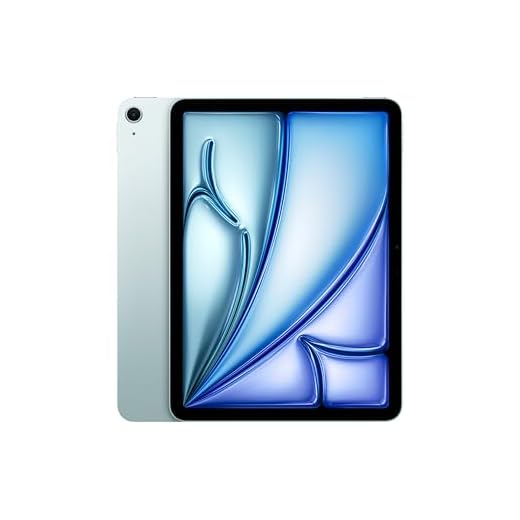
Apple iPad Air 11-inch with M3 chip Built for Apple Intelligence, Liquid Retina Display, 128GB, 12MP Front/Back Camera, Wi-Fi 6E, Touch ID, All-Day Battery…
- Benefit: Future-proof performance that will remain relevant for 5+ years.
- Benefit: Full compatibility with the Pro-level Magic Keyboard and accessories.
- Spec Highlight: M3 Chip brings desktop silicon to the mid-tier.
- Spec Highlight: 128GB base storage (finally).
- Who It’s For: The Student and Casual Pro.
The Engineering & Design
The “Secret Sauce” is simply the M3 Chip. By putting desktop-class silicon into their mid-tier tablet, Apple has ensured this device will remain relevant for 5 years. It lacks the “Pro” bells and whistles like FaceID (using TouchID instead) and the OLED screen, but the aluminum unibody construction remains the industry standard for durability.
The Performance Experience
The M3 chip is overkill for most tablet tasks, which means the Input Friction is low. Apps load instantly. However, the experience is marred by the 60Hz LCD screen. Once you have seen the 120Hz ProMotion on the Pro or the 144Hz on the OnePlus, the scrolling here looks jittery. The 128GB base storage is a welcome upgrade, allowing for reasonable file storage without immediately relying on the cloud.
What Customers Say About iPad Air (2025)
- The Frustration: Battery inconsistency. Some users report getting “more like 2 or 4 hours” under heavy load, rather than the promised 10.
- The Consensus: It is the “best bang for your buck” in the Apple ecosystem. It does everything the Pro does, just a millisecond slower and with a slightly worse screen.
- The Praise: The form factor. Users appreciate the 11-inch size as being the perfect balance between a notepad and a screen.
The “Fatal Flaw”
The display refresh rate. A premium tablet screen running at 60Hz is technologically offensive. It makes the potent M3 chip feel slower than it actually is because the pixels can’t keep up with the processor.
Who Is This For?
The Student and the Casual Pro. You need to take notes, write papers, and edit light video, but you don’t need color-perfect grading or LiDAR scanners.
The Final Verdict: Best Buys of the Top 5
- The Professional/Power User: iPad Pro 13-Inch (M4). There is no substitute. If billable hours are involved, the time saved by the M4 chip and the zero-latency Pencil Pro pays for the device. It is the only tablet that truly feels like a piece of the future.
- The Value/Budget Play: OnePlus Pad 3. For the price of an entry-level iPad, you get a 144Hz screen, massive battery, and faster charging than any competitor. It is the smartest buy for anyone who doesn’t rely on specific Apple-only apps.
- The Niche Specialist: Samsung Galaxy Tab S11 Ultra. If you live in spreadsheets or need to display blueprints, the 14.6-inch screen is a superpower. It is the only tablet that effectively replaces a dual-monitor setup.
2026 Outlook: The Future of Tablets
- Trend #1: NPU Dominance. As seen in the Surface Pro and iPad M4, specialized Neural Processing Units will become standard. Expect local AI (no internet required) to handle real-time translation and complex photo editing, freeing up the main CPU for battery efficiency.
- Trend #2: Tandem OLED Trickle Down. The dual-stack OLED tech in the iPad Pro solves the brightness issue of organic panels. Expect this to move to high-end laptops and potentially the next Galaxy Tab generation, making screens viewable in direct sunlight standard.
- Trend #3: Desktop OS on ARM. Microsoft’s push with the Snapdragon X Plus proves Windows can run efficiently on mobile chips. Expect Apple to eventually blur the line further, perhaps allowing a “macOS Mode” on future iPad Pros, finally solving the software limitation of their hardware.
Further Reading
- The “Bible” Book: “The Design of Everyday Things” by Don Norman. This book explains why you get frustrated with bad interfaces (like the Surface’s hidden settings) and will help you appreciate the “invisible design” of the iPad.
- The Community Hub: MacRumors Forums (for Apple) and XDA Developers (for Android/Windows). These are the places where real users discuss the bugs, the battery drain issues, and the workarounds that marketing materials never mention.