This post may contain affiliate links. If you make a purchase through these links, we may earn a commission at no additional cost to you.
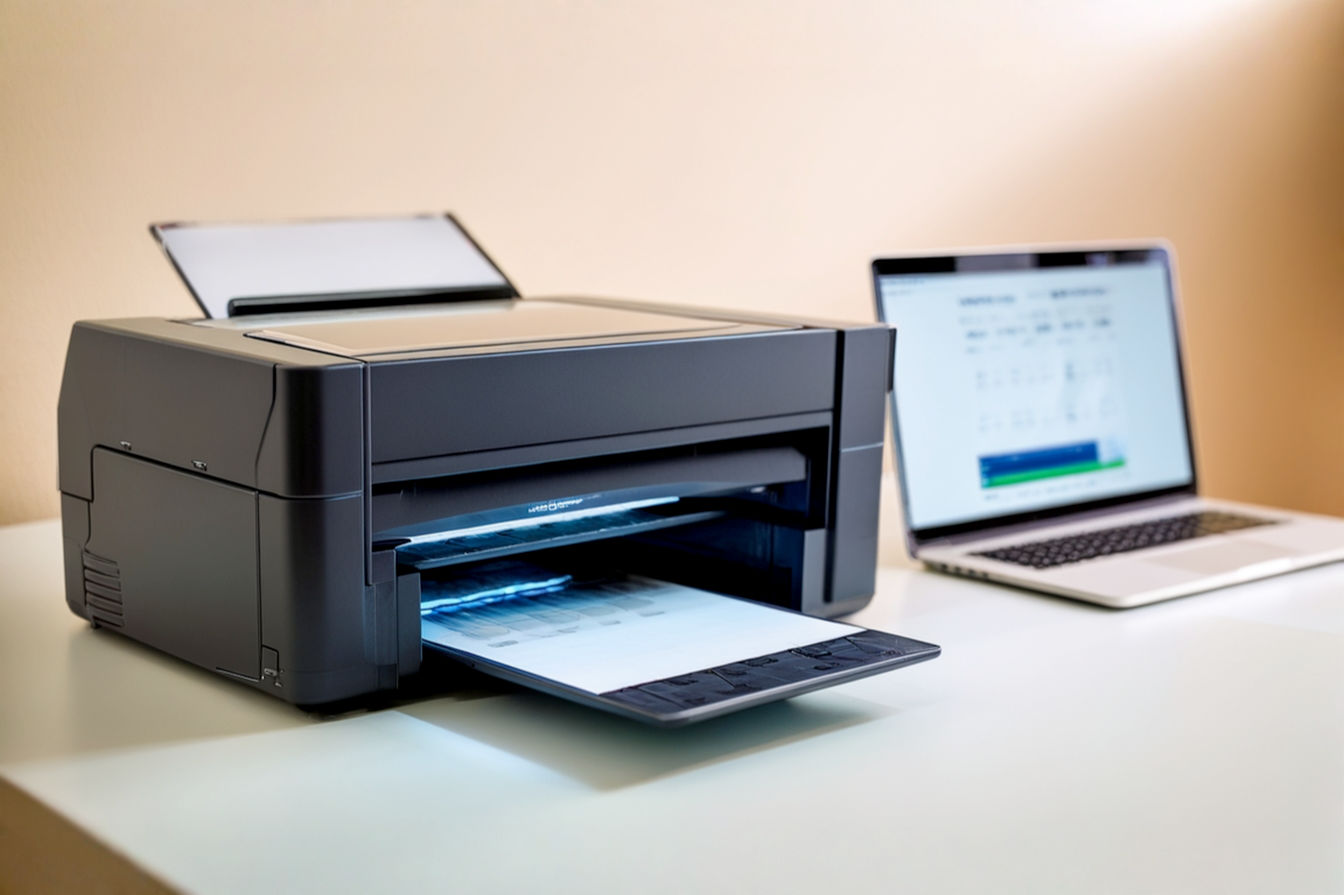
If you’re reading this, you’ve likely just thrown an inkjet printer into a dumpster. The story is always the same: You spend $60 on a plastic box, use it once, and three weeks later—when you urgently need a return label—the printhead is clogged.
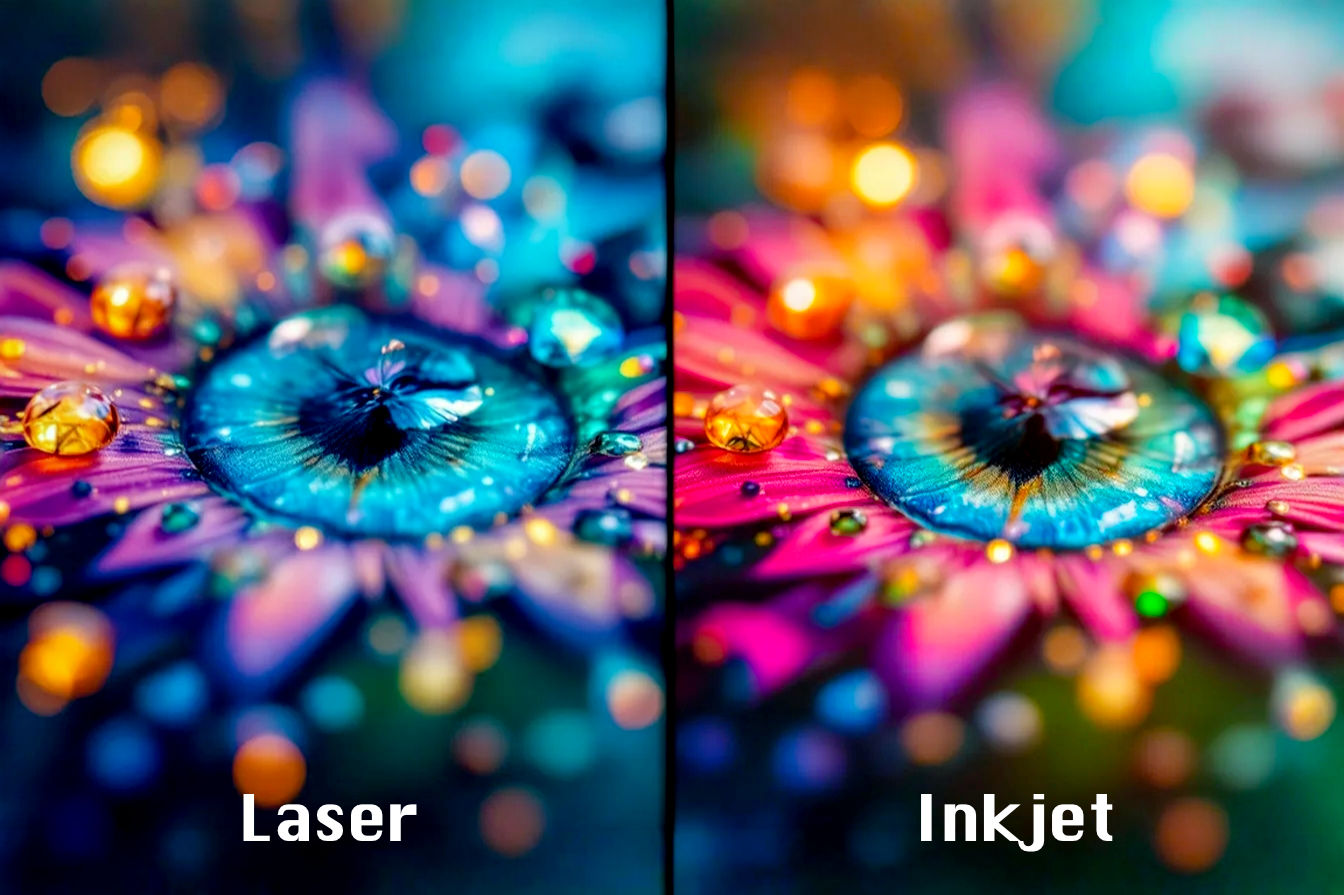
The home office industry thrives on this cycle of disposable hardware. They sell you the razor handle for pennies and bankrupt you on the blades (ink). But for the serious remote worker, the Laser Printer is the only viable exit strategy. Laser printers use toner (powder), not ink (liquid). Toner doesn’t dry out. You can leave a laser printer unplugged for the entire summer, plug it in, and it will print a perfect invoice instantly.
We analyzed the engineering and specs of the top 5 contenders currently dominating the market – from Brother’s utilitarian grey boxes to Canon’s color powerhouses – to find the hardware worth your desk space.
TL;DR: The Quick Verdicts
| Rank & Product | Best For… | The “One-Line” Verdict |
|---|---|---|
| 1. Canon Color imageCLASS MF753Cdw II | The Power User | A commercial-grade copier shrunk down just enough to fit (barely) on a sturdy desk. |
| 2. Brother DCP-L2640DW | The Accountant | Boring, monochrome, and relentlessly reliable; the Toyota Camry of printers. |
| 3. HP Color LaserJet Pro MFP 3301sdw | The Apple Aesthetic | Beautiful color prints and modern design, hamstrung by aggressive software. |
| 4. Brother HL-L2460DW | The Speed Reader | A pure text-generator that strips away scanning to maximize print speed. |
| 5. Brother HL-L2405W | The Cramped Apartment | The bare minimum hardware required to print a shipping label from your phone. |
The Lab Standard: How We Grade Quality
We don’t care about “dots per inch” (DPI) because modern lasers all hit the threshold of human visibility for text. Instead, we grade on friction.
- Metric #1: The RPM (Pages Per Minute – PPM): This is the engine speed. In a laser printer, this is determined by the drum rotation speed and the fuser’s ability to melt toner instantly. Anything under 25 ppm is sluggish for a busy office.
- Metric #2: The Driver Friction (UI Latency): How hard is it to force the machine to do your bidding? Does it require a mandatory account login just to scan a document? Does it wake up from “Deep Sleep” instantly, or do you have to toggle the power switch?
- Metric #3: The Cost Per Page (CPP): This is the “Total Cost of Ownership.” We look at the high-yield toner cartridge capacity. A cheap printer that eats $100 toner cartridges every 500 pages is a liability, not an asset.
#1. Canon Color imageCLASS MF753Cdw II
The “One-Line” Verdict: The undisputed heavyweight champion that trades desk space for uncompromising performance.

- Benefit: Prints and scans on both sides of the page automatically (single-pass duplex).
- Benefit: Massive 5-inch touchscreen makes changing settings as easy as using an iPhone.
- Spec Highlight: 35 PPM print speed (Color & Mono).
- Spec Highlight: 3-Year Limited Warranty included out of the box.
- Who it’s for: The Power User who needs a commercial copier experience at home.
The Engineering & Design
The “Secret Sauce” here is the V2 Color Technology paired with a massive 5-inch Color Touchscreen. Unlike budget options that use cryptic 1-line LCDs, Canon basically bolted a smartphone onto the chassis. The paper path is fully duplex (two-sided) for both printing and scanning (via the Auto Document Feeder), which is a rarity at this price point.
The Performance Experience
With an anchor spec of 35 PPM (Color and Mono), this machine doesn’t discriminate between a black-and-white invoice and a full-color flyer. Most lasers slow down significantly when switching to color; the MF753Cdw II maintains velocity. The 3-Year Limited Warranty suggests Canon knows the fuser unit is built to last longer than the industry standard 1-year cycle.
What Customers Say About the MF753Cdw II
- The Frustration: The weight. This unit is over 40 lbs. Users frequently complain about needing two people to unbox it.
- The Consensus: It produces “photo-quality” results on plain paper, which is nearly unheard of for laser toner.
- The Praise: The single-pass duplex scanning (scanning both sides of a page at once) saves hours for users digitizing old records.
The “Fatal Flaw”
Setup Complexity. The menu system is deep and enterprise-focused. Users report that connecting to Wi-Fi requires navigating through multiple admin sub-menus rather than a simple “WPS” button press.
Who Is This For?
The Small Business Marketing Team. If you need to print real estate flyers, client presentations, or legal contracts with redlining, this is your machine.
#2. Brother DCP-L2640DW
The “One-Line” Verdict: A dedicated monochrome workhorse that refuses to die.
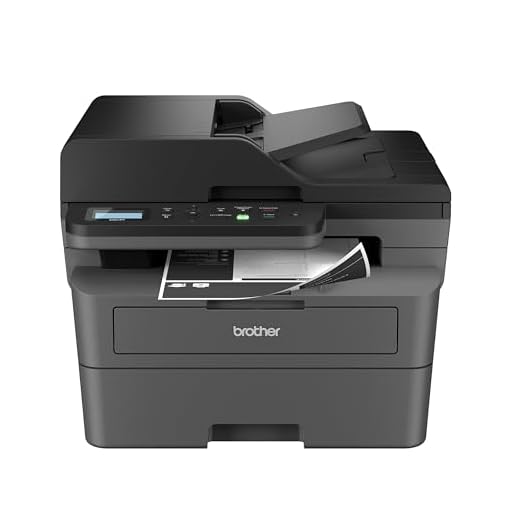
– Benefit: Flatbed scanner allows for digitizing receipts and ID cards easily.
– Spec Highlight: 36 PPM monochrome print speed.
– Spec Highlight: 50% Savings on toner costs via subscription options.
– Who it’s for: The Accountant who needs high-volume black & white printing reliability.
The Engineering & Design
Brother dominates the monochrome market because they keep the paper path simple. The “Secret Sauce” is the Refresh Subscription Integration hardware. While subscriptions are controversial, Brother’s hardware sensors are incredibly accurate at reading toner levels, preventing the machine from stopping mid-job. It includes a flatbed scanner, making it a true Multi-Function Printer (MFP) without the bulk of the Canon.
The Performance Experience
The 36 PPM print speed is the highlight here. For a unit this compact, churning out a 50-page contract in under two minutes is impressive. The print quality is sharp, high-contrast black text. It lacks the color capabilities, but for 90% of administrative work, you don’t need it.
What Customers Say About the DCP-L2640DW
- The Frustration: The display. It uses a 2-line LCD that feels like a calculator from 1995. Entering Wi-Fi passwords is a tedious game of pressing the arrow keys.
- The Consensus: “It just works.” Long-term owners praise the low cost of generic toner replacement.
- The Praise: The footprint is surprisingly small for a unit that includes a scanner.
The “Fatal Flaw”
Deep Sleep Mode. A notorious issue with Brother printers is their aggressive power-saving mode. Users often report the printer won’t “wake up” when a print job is sent via AirPrint, requiring a physical button press on the machine.
Who Is This For?
The Home Office Accountant. You print invoices, shipping labels, and tax returns. You don’t need color, you just need pages in the tray.
#3. HP Color LaserJet Pro MFP 3301sdw
The “One-Line” Verdict: Stunning hardware design let down by “HP Smart” software gatekeeping.

- Benefit: TerraJet toner produces the most vibrant, true-to-life color graphics in its class.
- Benefit: Modern, rounded white aesthetic fits into design-conscious spaces better than grey boxes.
- Spec Highlight: TerraJet Technology for faster warm-up times.
- Spec Highlight: Quiet Mode for printing without disrupting calls.
- Who it’s for: The Design-Focused user who prioritizes aesthetics and color accuracy.
The Engineering & Design
HP introduced TerraJet Toner technology with this series. This is chemically engineered toner that melts at a lower temperature, allowing for faster first-page-out times and reduced energy consumption. The chassis is modern, white, and rounded. It looks like a piece of consumer tech rather than industrial equipment.
The Performance Experience
The print quality is arguably the best of the bunch for graphics. The TerraJet colors are vibrant and punchy. However, the experience is defined by the HP Smart App. To utilize the full scanning and mobile printing features, the printer funnels you through HP’s cloud ecosystem.
What Customers Say About the 3301sdw
- The Frustration: Account Requirement. Users are furious that they often have to sign in to an HP account just to use the scanner they physically own.
- The Consensus: The hardware is brilliant; the software is intrusive.
- The Praise: It’s significantly quieter than the Canon or Brother models while printing.
The “Fatal Flaw”
Software Bloat. The setup process pushes the “HP+” service aggressively. If your internet goes down, some “smart” features may become inaccessible depending on how you set it up.
Who Is This For?
The “Mac Shop.” If your office is full of iPads and iMacs, the HP design language fits right in, and the app integration (when working) is seamless with iOS.
#4. Brother HL-L2460DW
The “One-Line” Verdict: The pure speed demon for those who already own a scanner.

– Benefit: 5GHz Wi-Fi support reduces connection drops in crowded apartment buildings.
– Spec Highlight: 34 PPM print speed.
– Spec Highlight: Duplex-Default engine saves paper automatically.
– Who it’s for: The Lawyer or Writer who needs fast text drafts and no scanning features.
The Engineering & Design
This is the stripped-down version of the #2 pick. No scanner glass, no document feeder. Just a box that pulls paper and fuses toner. The “Secret Sauce” is the Duplex-Default engine. It’s optimized to print on both sides of the page without the massive paper-jam risk found in cheaper models.
The Performance Experience
At 34-36 PPM, this unit flies. Because it lacks the heavy scanner lid, it fits on flimsy shelving units that would collapse under the Canon. It supports 5GHz Wi-Fi, which helps avoid interference in crowded apartment complexes, a subtle but critical spec upgrade over older models.
What Customers Say About the HL-L2460DW
- The Frustration: Toner cost without the subscription. Brother has chipped their cartridges to make using third-party toner difficult.
- The Consensus: It’s the perfect second printer.
- The Praise: The “Mobile Connect” app is surprisingly robust for printing PDFs directly from a phone storage.
The “Fatal Flaw”
The Tiny Screen. Like its sibling, the 1-line LCD makes initial setup a pain. If you change your Wi-Fi password, be prepared for 10 minutes of frustration entering the new one.
Who Is This For?
The Lawyer or Writer. You draft long documents and need to read hard copies. You don’t need to scan anything; you just need to edit with a red pen.
#5. Brother HL-L2405W
The “One-Line” Verdict: The entry-level option that fits where others won’t.

- Benefit: The smallest footprint of the group; can hide inside a cabinet or on a bookshelf.
- Benefit: The most affordable entry point into laser reliability.
- Spec Highlight: 30 PPM print speed.
- Spec Highlight: Compact Chassis design.
- Who it’s for: The Student who needs a “just in case” printer for essays and labels.
The Engineering & Design
This is the budget play. The engineering compromise here is the removal of the Ethernet port and the “DW” (Duplex/Wireless) designation often becoming just “W” (Wireless) in practice for ease. The “Secret Sauce” is simply Physical Volume. It’s compact enough to hide inside a cupboard.
The Performance Experience
It steps down to 30 PPM, which is still faster than any inkjet but noticeably slower than the 2460DW or Canon. The paper tray is smaller, meaning you will be refilling it more often if you print heavily. It lacks the “heft” of the others, feeling a bit more plasticky.
What Customers Say About the HL-L2405W
- The Frustration: No Ethernet Port. You must use Wi-Fi or USB. If your Wi-Fi is spotty, you can’t hardwire it to your router.
- The Consensus: Great for students, bad for businesses.
- The Praise: Price-to-performance ratio is high. It’s cheap to buy and runs forever.
The “Fatal Flaw”
Manual Duplexing (on some drivers). Depending on your OS, getting it to flip pages automatically can be finicky compared to the dedicated duplex models.
Who Is This For?
The College Student. You need to print term papers at 2 AM, and you have zero floor space in your dorm/apartment.
The Final Verdict: Best Buys of the Top 5
- The Professional/Power User: Buy the Canon Color imageCLASS MF753Cdw II. It is the only machine on this list that feels like office infrastructure rather than a computer accessory. The touchscreen alone saves hours of frustration.
- The Value/Budget Play: Buy the Brother DCP-L2640DW. It hits the sweet spot of functionality (includes a scanner) and economy. It is unglamorous, but it will likely outlast your current laptop.
- The Niche Specialist: Buy the Brother HL-L2405W if, and only if, space is your primary constraint. It allows you to have laser reliability without dedicating an entire desk corner to the printer.
Small Business Printer Outlook: The Future of Laser Printing
Looking at these five units, the trajectory of the industry is clear:
- The Death of the LCD Screen: Expect the lower-end models (like the Brothers) to eventually lose their screens entirely, forcing you to use a mobile app for all setup and maintenance.
- Toner Melt Points: HP’s TerraJet is just the start. Manufacturers are racing to lower the melting point of toner powder. This reduces the energy spike required to heat the fuser, meaning printers will wake up faster and trip your circuit breakers less often.
- Subscription Lock-in: All these brands are pushing “Auto-Replenishment” hard. Expect future hardware to be subsidized even more heavily in exchange for stricter digital rights management (DRM) on toner cartridges, making third-party refills harder to use.
Further Reading
To truly master your home office workflow, skip the clickbait and go to the sources:
- The Organized Mind by Daniel Levitin. While not about printers specifically, it covers the neuro-ergonomics of a workspace. A reliable printer is about cognitive offloading—knowing you can print without troubleshooting allows you to stay in flow.
- Rtings.com (Printer Section). They perform standardized tests on print speed and color accuracy that go far deeper than Amazon reviews.
- r/printers on Reddit. This is where the printer technicians hang out. If you want to know which models have unfixable firmware bugs, this is the only place to find out.